NEW
Seedance 2.5
ByteDance's film-style model: 4–30 s clips up to 1080p, sound generated with the picture, and steering from a reference video, audio or up to 10 images.
Powered by the newest models
Six recent additions, each built for a different job: cinematic clips, legible text in images, fast edits, 18+ motion and copying a dance onto your own character. All of them bill from the one credit balance you use for everything else.
ByteDance's film-style model: 4–30 s clips up to 1080p, sound generated with the picture, and steering from a reference video, audio or up to 10 images.
OpenAI's latest image model for readable text and exact edits, up to 4K. Two versions at one price: Flare when speed matters, Sunburst when precision does.
The Image Lab default: quick, detailed renders in 2K or 4K, and edits that combine as many as 14 reference images.
Adults-only video from a prompt or a first frame: 2 to 30 seconds, 480p to 1080p, with sound at no extra cost.
Hand it one still and get 3–15 seconds of fluid, silent motion at 720p or 1080p. 18+ only.
Feed it a 3–30 second reference clip and your character performs the same dance, gesture or trend.
Four models here accept mature prompts: two for stills, two for motion. Confirm once that you're 18 or older and they appear next to the rest of the line-up, paid for with the credits you already have.
Sensual portraits, boudoir lighting, dark fantasy and other grown-up looks, with no style filter. Every person shown must be an adult.
Spicy results stay in your private history. There is no public feed, and adult work is never used in our marketing.
Spicy models draw on your normal credit balance. Adult images start at 6 credits each.
Adults 18+ only. No minors, no non-consensual acts and no real person who hasn't consented, ever: that content is prohibited.
Plenty of AI OFM courses charge for access. This one doesn't: eight lessons, open without paying or leaving an email address, and a hands-on playbook that names the model, the settings and a paste-ready prompt for each of the six formats below.
First frame: One sharp, repeatable portrait of your persona. Every later clip starts from it.
Motion control: Take a trending clip and have your persona perform it move for move.
Complex motionPro: Seedance reads a reference video and carries over its movement, camera work and sound.
Lip-sync: Your character delivers the lines of an existing audio track, mouth in time.
Animate a still: Bring a single image to life when the idea is short and visual.
Interview sketchesPro: Street-interview skits from a Seedance prompt you can paste as it is.
Background reading: AI OFM explained · The money side, honestly · Keeping one face · Legality and platform rules
The playbook opens with a free account, which comes with 25 credits. Complex motion and interview sketches need the Pro plan or higher. Personas must be fictional adults, and AI content needs a label wherever a platform asks for one.
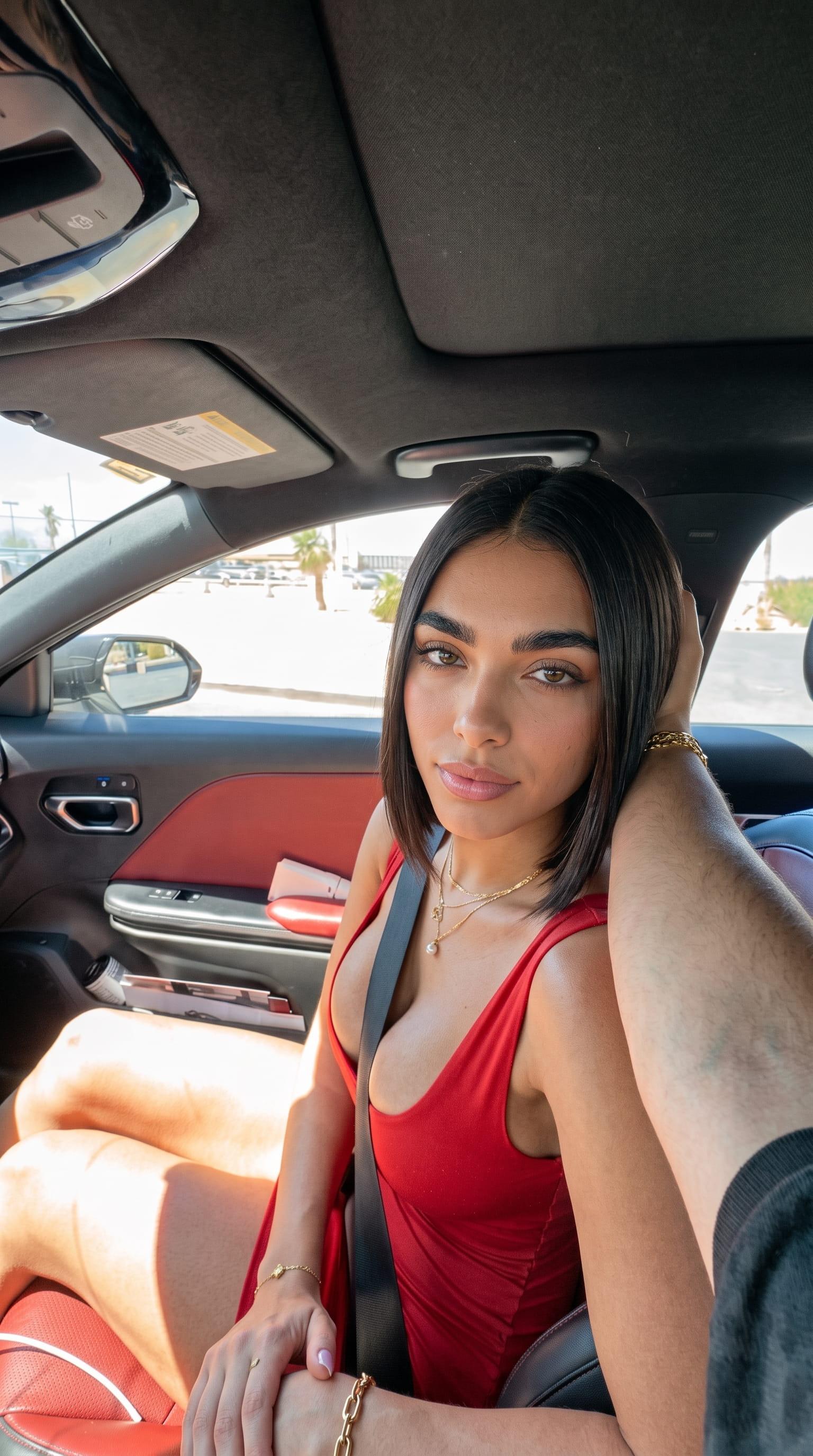
The presets people use most. Choose a look, add your own photo and the template supplies the prompt and settings, from 18 credits a run.
Show the model who and what belongs in the shot: a character, a product, a location. Seedance 2.5 takes up to 10 reference images (Seedance 2.0 up to 7), so faces, outfits and objects stay recognisable from the first frame to the last.
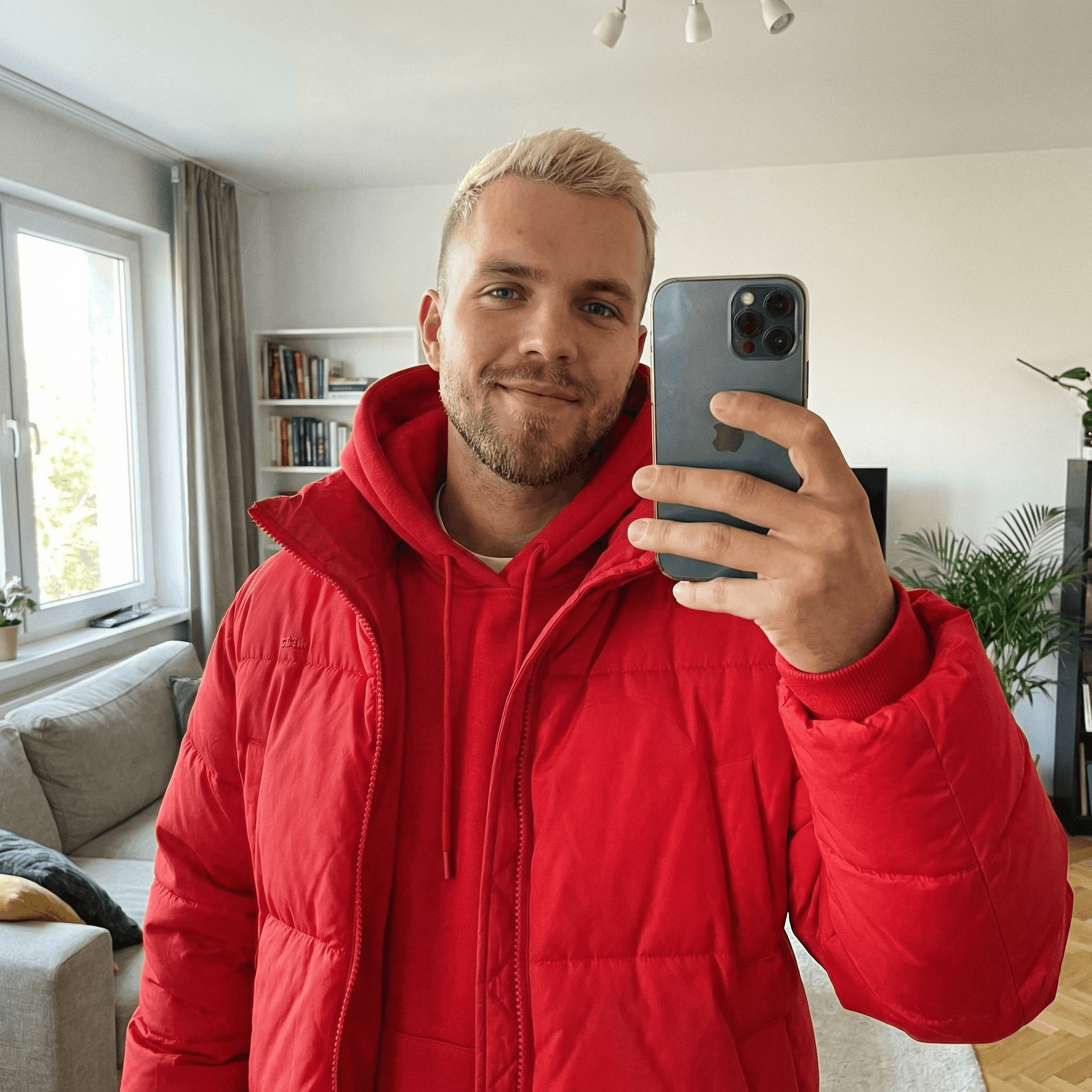 Character
 Setting
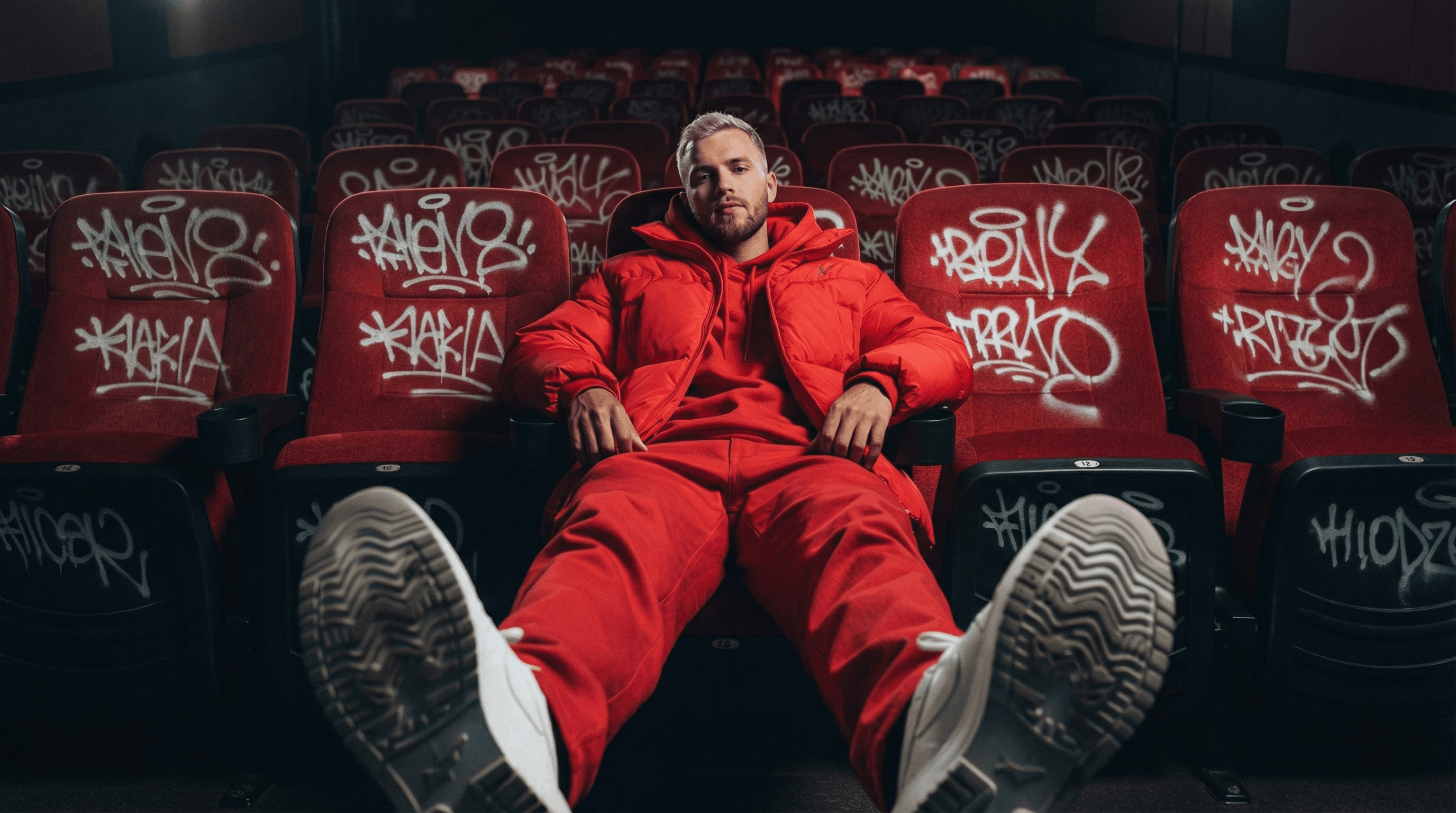 Clip
ClipDecide where the shot opens and, if you want, where it lands. Give the model a first frame and a last frame, say what happens in between, and it fills in the motion. Kling 3.0, Kling Omni O3, Seedance and Veo 3.1 all accept both.
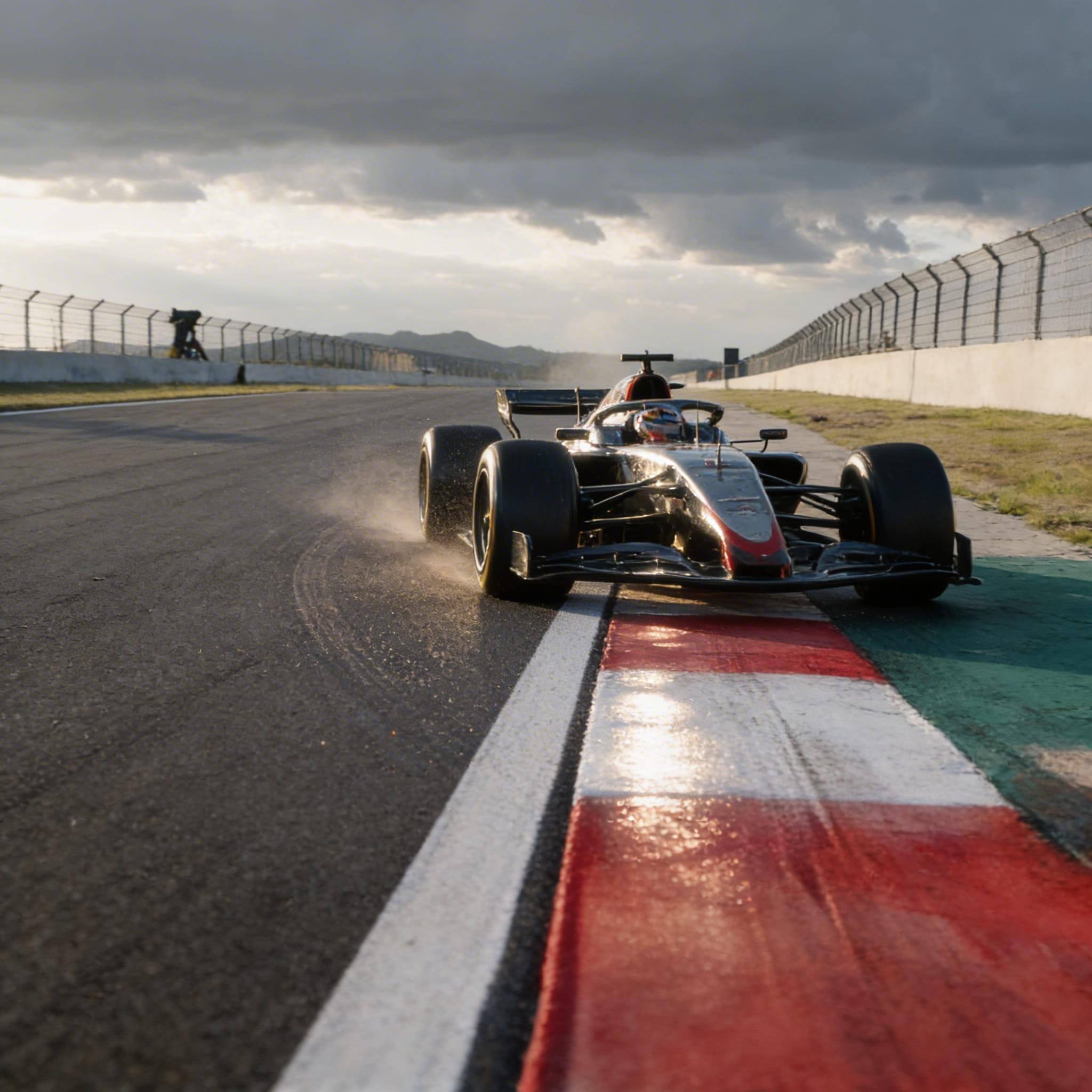 First
First Last
LastOne login instead of a stack of single-model apps, with plain answers on speed, privacy and payouts.
Image, video, upscaling and editing models side by side, so you can run one prompt on two of them and keep the better take.
Basic runs at standard speed, Pro gets priority, and Ultimate and Creator get the fastest generation.
Uploads and results live in your own history, not a public feed. It's kept 7 days on Basic, 30 on Pro and without limit on Ultimate and Creator.
Share your referral link and earn a lifetime commission of 15–40% on purchases by the people you invite. Your rate is set when you're approved.
Generate in the two labs, sharpen the keepers in the upscalers, and keep your best references close for the next job.
Eight image models in one panel, from Nano Banana 2.1 to GPT Image 2.5. Prompt from scratch or edit with your own references, photoreal to illustrated.
OpenSeven video models, with settings for length, resolution, sound and first or last frames. Start from a sentence or from a still.
OpenLift clips to 1080p, 2K or 4K and keep motion steady frame to frame, for live action, animation or vertical shorts.
OpenFolders for the faces, products and scenes you come back to, ready to drop into your next generation.
OpenSeedance, Kling, Veo, GPT Image and Nano Banana sit next to templates, lip sync and upscalers here. Run your usual prompts on the free sign-up credits before you decide anything.
Every new account starts with 25 free credits, enough to try a few image models before you spend anything. Choose a plan or a one-time pack only when you need more.
Spicy Studio is a browser studio for AI images and video. Instead of opening an account with every model maker, you get 15 generation models and 12 tools behind one login and one credit balance: Nano Banana 2.1 and GPT Image 2.5 for stills, Veo 3.1, Kling 3.0 and Seedance 2.5 for clips, plus motion control, lip sync, an upscaler that reaches 8K and removers for backgrounds, watermarks and objects. Adults can also unlock a separate 18+ section with four Spicy models. Signing up is free and adds 25 credits; monthly plans cost €10 to €80.
Image Lab, 8 models: the Nano Banana family (2.1, which opens by default, plus 2 and Pro), GPT Image 2.5 in its Flare and Sunburst versions, the older GPT Image 2, Spicy Imagine Pro built on Seedream 5.0, and two 18+ models, Wan 2.7 Image and Spicy UNCENSORED. Video Lab, 7 models: Google Veo 3.1; Kuaishou's Kling 3.0 and Kling Omni O3; ByteDance's Seedance 2.0 and 2.5; and the 18+ pair, HappyHorse 1.1 plus Spicy UNCENSORED Video. Tools, 12 in all: Kling 3.0 Motion Control and Spicy Motion Control under Character Swap, Lip Sync, Face Swap, an image and a video upscaler, and a background remover, watermark remover and eraser for both images and video. You pick from menus, with no provider accounts or keys to set up.
The menu follows new releases rather than a fixed schedule, and models are retired when newer ones replace them. The latest arrivals: Nano Banana 2.1, Google's 6 October 2026 update and now the Image Lab default; GPT Image 2.5 with its Flare and Sunburst versions, released by OpenAI on 8 September 2026; and Seedance 2.5, ByteDance's 30-second video model from 31 July 2026. Kling 3.0 Motion Control, HappyHorse 1.1 and the Wan 3.0-based Spicy UNCENSORED Video are also new. Gone from the menus: Seedance 1.5 Pro, Kling Omni O1, Kling 2.6 in the Video Lab, Sora 2 Pro and Spicy Imagine. Ultimate and Creator plans include early access to new models.
Yes. The eight lessons are plain articles you can read without paying or even signing up. They run from what AI OFM means and choosing a persona, through first frames, motion control, lip-sync, animation and sketch videos, to editing, AI labels and posting. Lessons 3 to 7 point to playbook pages with the exact model, settings and prompt for each step; those open with a free account, and most prompts have a button that loads them straight into the Image Lab, Video Lab or Lip Sync. Two workflows, Sketch videos and Complex motion, need the Pro plan (€25 a month) or higher. The 25 sign-up credits pay for roughly one finished first frame, which costs about 20.
OFM is short for OnlyFans management: an agency or manager runs a creator's page and takes a cut of the earnings. AI OFM keeps that business model but swaps the real creator for a fictional persona whose photos and videos are made with AI. The persona has to be clearly an adult (18+) and openly labelled as AI. It works as a funnel: social-safe short videos build an audience, the profile points onward where a platform's link rules allow it, and paid content sits on a subscription site that accepts AI creators. Not all of them do; Fanvue, for example, accepts fully AI-generated creators when the media is disclosed and a real adult passes its ID check.
A persona account lives on the same face appearing week after week in stills, short clips and talking videos, and the whole chain fits in one studio. A typical run from the playbook: a 9:16 first frame in GPT Image 2 with your face reference attached, a clean-up pass in Nano Banana 2 or 2.1, then Kling 3.0 Motion Control to put the character into a clip you filmed, Lip Sync for spoken lines, or Seedance 2.0 or 2.5 for sketches with generated dialogue. A finished first frame costs about 20 credits. The 18+ models sit behind a one-time confirmation, for fictional or consenting adults only. Spicy Studio makes the media; posting, scheduling and replying to fans happen on each platform.
Choose one clear, front-facing image of your fictional character and attach it to every generation; changing references is the fastest way to end up with three different people on one account. Then use models that read references closely: Nano Banana 2.1 accepts as many as 14, GPT Image 2.5 as many as 16, and Spicy Imagine Pro takes 10 and is tuned to keep facial features, light and colour from the reference. Say in the prompt that the face must stay identical to the reference, and make video by animating a finished still rather than from text alone. There's no LoRA to train and no ComfyUI to install.
Some persona accounts earn money; many never earn anything, and no platform publishes typical figures you could plan around. Treat it as a small media business: one persona, steady posting, a compliant subscription page and real hours spent on marketing and on talking to fans honestly. Costs arrive before any income: credits (the Basic plan is €10 a month for 600), the platform's share of each sale, editing tools and your time. Be wary of courses that sell with income screenshots. Spicy Studio promises no earnings; our guide works through the costs with sourced figures.
There's no single answer: laws differ by country, and each platform adds its own rules, which change often, so check local law and the current terms before you launch. Some lines hold everywhere: never copy a real, identifiable person's face or body unless they have given documented consent, never create anyone who could pass for under 18, and never tell fans the persona is a real human. Labelling keeps getting stricter: Instagram has an 'AI-generated profile' label, TikTok requires labels on realistic AI content, and the EU AI Act's transparency rules have applied since August 2026. Every Spicy Studio download also carries machine-readable metadata marking it as AI-generated. None of this is legal advice.
Yes, for adults. After a one-time 18+ confirmation on your account, two image models accept mature prompts. Spicy UNCENSORED, built on Seedream 5.0 Pro, renders at 1K for 8 credits or 2K for 10 in ten aspect ratios from 21:9 to 1:2, and can edit from your uploads; 2K is the ceiling for spicy images. Wan 2.7 Image costs 6 credits and suits quick drafts and edits that must keep a layout intact. Prompts still pass an automated safety filter, and everything you make must show fictional adults or consenting adults only.
Yes, with two models. Spicy UNCENSORED Video runs on Wan 3.0: write a prompt for text-to-video, or add a first frame and optionally a last one, then pick a length of 2 to 30 seconds in 480p, 720p or 1080p; native sound is generated at no extra cost. HappyHorse 1.1 only animates a still you upload, for 3 to 15 seconds in 720p or 1080p, without sound. Neither goes above 1080p. The cheapest clip is 26 credits on Wan 3.0 and 42 on HappyHorse, so the free sign-up credits don't stretch to video; the €2 Spark pack (90 credits) does.
Open the Video Lab, choose HappyHorse 1.1 or Spicy UNCENSORED Video and drop the still into the first-frame slot. Spicy UNCENSORED Video needs a prompt and follows it word for word, so spell out the movement, camera and sound; add a last frame to fix where the shot ends, and the aspect ratio follows your image unless you set one. HappyHorse 1.1 needs only the image (JPEG, PNG or WebP, at least 300 px, up to 10 MB), with an optional prompt of up to 2,500 characters. Five seconds cost 30 credits at 480p on Wan 3.0, or 70 at 720p on HappyHorse.
They're open on style and mature themes, not on the law. The four Spicy models (Spicy UNCENSORED, Wan 2.7 Image, Spicy UNCENSORED Video, HappyHorse 1.1) accept adult themes that the mainstream models refuse, but every prompt still passes an automated safety filter and the Terms set fixed limits: fictional adults or consenting adults only; nothing involving minors or anyone who appears under 18, which ends the account and is reported; no real, identifiable person without documented consent; no non-consensual or violent scenarios and no bestiality; no characters from existing anime, manga or games. You must be 18, or older where the local age of majority is higher, and live where such content is lawful.
Yes. Attach your images to Spicy UNCENSORED, refer to them in the prompt as Figure 1, Figure 2 and so on, and describe the change, for example 'the woman in Figure 1, in her thirties, wearing the dress from Figure 2, warm evening light'. It accepts up to 10 references: the first is free, 2 to 6 add 1 credit and 7 to 10 add 2. Wan 2.7 Image takes up to 9 and is the better pick when pose and composition must stay exactly where they are. Upload only images you have the rights to, and never a real person without their documented consent.
For images, yes. A free account includes 25 credits and the 18+ unlock costs nothing, which buys about 4 Wan 2.7 images, 3 Spicy UNCENSORED images at 1K or 2 at 2K. Video isn't covered: the cheapest Spicy UNCENSORED Video clip is 26 credits and HappyHorse starts at 42. For a first clip, the Spark pack costs €2 for 90 credits, enough for three short 480p clips on Wan 3.0, and one-time credits never expire.
They're paid from the same credit balance as every other model, with no add-on subscription. Images: 6 credits on Wan 2.7 Image, 8 on Spicy UNCENSORED at 1K and 10 at 2K. Video, per second: Spicy UNCENSORED Video 6 at 480p, 13 at 720p and 25 at 1080p, with a 26-credit minimum per clip; HappyHorse 1.1 14 at 720p and 19 at 1080p. On the Basic plan (€10 a month for 600 credits) that buys 100 Wan 2.7 images, 75 Spicy UNCENSORED images at 1K or 60 at 2K, or about 46 seconds of 720p Wan 3.0 video. The exact price shows before you press Generate.
By default, only you. Spicy generations stay in your account history and never go to a public feed, Spicy Studio doesn't sell your uploads, and its Terms rule out using spicy content in its marketing or promotion. To create each result, your prompt and uploads go to the third-party provider that runs the model, and every prompt is screened by an automated safety filter. History is kept 7 days on Basic, 30 on Pro and indefinitely on Ultimate and Creator, so download what you want to keep; downloaded files carry machine-readable metadata marking them as AI-generated. If you share them, responsibility for where they end up is yours.
The difference is scope. Spicy Studio keeps four 18+ models, two for images and two for video, next to its mainstream line-up on one credit balance, so a project can start as a Nano Banana 2.1 concept, become an adult version in Spicy UNCENSORED at up to 2K and end as a 1080p clip in Spicy UNCENSORED Video. It makes images and video only; if you want an AI chat companion, a dedicated app is the better fit. The rules are the same everywhere in the studio: fictional or consenting adults, no real people without documented consent. When comparing apps, compare the price per finished image or per second of video.
The Sora app shut on 26 April 2026 and OpenAI switched off its API on 24 September 2026, so Sora projects need a new home. The best replacement depends on what you used it for. Long single takes with sound: Seedance 2.5, clips 4 to 30 seconds long in up to 1080p, audio on by default, plus reference images, video and audio. Maximum resolution: Google Veo 3.1, fixed 8-second clips at 720p, 1080p or 4K for 80, 110 or 200 credits. Animating a still between two set frames: Kling 3.0, a start frame and optional end frame for 5 or 10 seconds. All three are in the Video Lab, so run one prompt through each before you settle.
ByteDance launched Seedance 2.5, its newest video model, on 31 July 2026, and it raises almost every limit of Seedance 2.0: clips of 4 to 30 seconds instead of 5 to 15, 1080p on top of 480p and 720p, 10 reference images instead of 7, and reference video or audio of up to 30 seconds instead of 15. Sound is on by default, while 2.0 starts with it off. Seedance 2.0 remains the cheaper option at 7 credits a second at 480p against 10, but there a first or last frame switches off the reference video and audio.
Four kinds, all optional. Reference images, as many as 10, for the people, products or places that must appear. A reference video of 2 to 30 seconds to borrow its motion, camera work or style. A reference audio file, WAV or MP3 up to 30 seconds, to steer voice or rhythm; it only works together with a reference image or video. And a first and last frame to pin the opening and closing shot, with the aspect ratio matched to the image. A reference video's own length is billed as well, so a 5-second 480p clip guided by a 5-second reference costs 60 credits instead of 50.
Anywhere from 4 to 30 seconds, set in one-second steps. You pay per second of output: 10 credits at 480p, 22 at 720p and 39 at 1080p, with sound included at the same rate. A 10-second 720p clip is 220 credits; a full 30 seconds at 1080p is 1,170. With a reference video, a lower per-second rate (6, 13 or 23) applies to the output plus the reference's length. You don't need a ByteDance account or API key: choose Seedance 2.5 from the Video Lab's model list and the total appears before you generate.
OpenAI released GPT Image 2.5 on 8 September 2026; in ChatGPT it appears as ChatGPT Images 2.5. On Spicy Studio the differences from GPT Image 2 are concrete: 4K joins 1K and 2K, the quality ladder grows from three steps to five (low, medium, high, xhigh, max), and the aspect ratios now span 3:1 wide to 1:3 tall, 15 in all. OpenAI also says it keeps subjects from reference photos more faithfully; both accept 16 references at most. It's priced slightly below GPT Image 2 at the same settings, for example 9 credits instead of 10 at 1K medium, plus 1 credit per reference image.
Start on Flare. It's the faster version, made for drafts, concepts and high-volume everyday images. Switch to Sunburst for the final pass when an edit has to be exact: a product that must match its photo, a logo on packaging, a retouch on one detail. It's slower but more precise. Price, resolutions (1K, 2K and 4K), the five quality steps and the 16-reference limit are identical, so the choice costs nothing extra; a 2K medium image is 23 credits on either.
Yes. It's built for images that carry words, such as posters, thumbnails, packaging and ad layouts, and it outputs 1K, 2K or 4K. Two habits help: put the exact wording in quotes (a coffee bag label reading 'MORNING RITUAL' in serif capitals), and use high quality or above when the type is small. Prices climb quickly at the top end: at 4K an image costs 15 credits on low, 90 on high and 350 on max, so proof the layout at 1K medium for 9 credits first. You don't need an OpenAI key; pick it from the Image Lab's model menu.
Nano Banana 2.1 is Google's update to Nano Banana 2, released on 6 October 2026, and it's the model the Image Lab opens with. Google positions it as the quick, efficient sibling of Nano Banana Pro, with everyday results closer to Pro's quality. On Spicy Studio it renders at 2K for 12 credits or 4K for 18, offers ten aspect ratios and edits with as many as 14 reference images, which makes it a strong engine for keeping one character the same across a series.
Make 2.1 your default for most images: 12 credits at 2K, 18 at 4K. Move to Pro, Google's premium model, when a picture has to get the hardest details right, such as dense infographics, small multilingual text or crowded scenes with many people: 12 at 2K, 16 at 4K. Keep Nano Banana 2 for cheap drafts, bulk edits or a series you already started on it: 10 at 2K, 14 at 4K. All three accept 14 reference images at most and draw on the same balance, so the quickest test is one prompt on each.
Yes, under two Spicy Studio names. Spicy Imagine Pro uses Seedream 5.0 for reference-faithful edits that keep a face, its lighting and its colours intact; it needs a prompt, takes up to 10 references and outputs 2K for 8 credits or 4K for 15. Spicy UNCENSORED uses Seedream 5.0 Pro for 18+ work at 1K or 2K (8 or 10 credits). In both, name your uploads in the prompt as Figure 1, Figure 2 and so on. No ByteDance account or API key is involved.
HappyHorse 1.1 is an 18+ image-to-video model that does one thing: it sets a single still in motion. There's no text-to-video mode and no sound, and the aspect ratio follows your picture. Upload a JPEG, PNG or WebP (at least 300 px, up to 10 MB, between 1:2.5 and 2.5:1), optionally describe the movement in up to 2,500 characters, and pick 3 to 15 seconds at 720p (14 credits a second) or 1080p (19). It suits a finished Spicy UNCENSORED image whose look should stay as it is; when the clip needs dialogue or ambient sound, use Spicy UNCENSORED Video instead.
Seedance 1.5 Pro has been retired from the Video Lab. It made 4 to 12-second clips at 720p or 1080p from a prompt with optional first and last frames. Seedance 2.0 is built around references instead: up to 7 reference images, a reference video of 2 to 15 seconds and reference audio of up to 15 seconds, with 5 to 15-second output at 480p or 720p. One catch: setting a first or last frame disables the reference video and audio, so decide per run whether to anchor frames or follow references. It costs 7 credits a second at 480p and 15 at 720p, with optional sound at the same price. For 1080p or 30-second takes, use Seedance 2.5.
It transfers a performance. You supply a character image and a driving video of 3 to 30 seconds, and the character copies the moves of the person in the video: a dance, a gesture, a walk across the room. It lives in Character Swap, not the Video Lab. Standard costs 20 credits per second of driving video and Pro 27, with at least 3 seconds billed, so a 10-second Standard run is 200 credits, and you can keep the driving video's original audio. Use only footage you filmed yourself or have written permission to use, showing consenting adults.
Kuaishou's Kling Omni O3 animates a first frame into a clip of 3 to 15 seconds, and the output takes that frame's aspect ratio. Its standout feature is chained prompts: split the clip into segments of at least 3 seconds, each with its own instruction, as long as their lengths add up to the full duration, for example 4 + 3 + 3 for a 10-second clip. You can also set a last frame and switch sound on. Standard costs 14 credits a second (19 with sound) and Premium 19 (24 with sound).
A template is a look someone has already worked out, saved as a preset with its model, prompt and style. In the Templates gallery, browse the Cinematic or Product collections, open one, add your own photo or character and generate; the result keeps the template's look with your subject in it. Template runs have flat prices: 18 credits at 1K or 2K and 28 at 4K. If the look you want is missing, you can suggest a new template from the gallery.
They solve different problems. Character Swap moves a character: upload a character image and a 3 to 30-second motion video, then either Kling 3.0 Motion Control (20 or 27 credits a second) or Spicy Motion Control (12 at 720p, 20 at 1080p) makes the character perform the video's movements. Face Swap edits a still: give it a source image whose body, pose and scene stay as they are, plus the face to place in it, and it returns a 2K (12 credits) or 4K (15) image. Use either only with your own likeness, fictional characters or people who have given documented consent.
Yes, the mainstream models cover typical shop and brand work. For product shots, attach the product photo to GPT Image 2.5 Sunburst or Nano Banana 2.1 and describe the new scene; for marketplace cut-outs, the background remover exports a transparent PNG for 4 credits; for video ads, animate the hero image with Kling 3.0 or Seedance 2.5; and the Product templates give repeatable looks. You own what you generate, subject to the licences of the underlying models. Plans scale from €10 for 600 credits to €80 for 7,200 a month, and every plan includes every model.
You can start free: an account costs nothing and comes with 25 credits. That covers, for example, two Nano Banana 2.1 images at 2K, six GPT Image 2.5 drafts at 1K low quality, one template run, or the first frame plus enhance pass from the course. It doesn't cover video: on every video model the cheapest clip costs more than 25 credits, starting at 26 on Spicy UNCENSORED Video. The AI OFM lessons are free to read without an account. When you need more, the Spark pack is €2 for 90 credits that never expire, and plans start at €10 a month.
Everything draws on one credit balance, and the studio shows each job's cost before you generate. Monthly plans: Basic €10 for 600 credits, Pro €25 for 1,800, Ultimate €50 for 3,800 and Creator €80 for 7,200. Every plan includes every model; higher tiers add faster generation, better support, longer history and, on Ultimate and Creator, early access to new models. Plan credits reset each billing cycle and don't roll over. One-time packs never expire: Spark €2 (90 credits), Pulse €5 (240), Surge €10 (500), Flow €25 (1,350) and Nova €50 (3,100).
Put the still in the first-frame slot of the Video Lab, describe what should happen, then set the length and resolution. The models differ in what else they take: Kling 3.0 requires the start frame and accepts an end frame (5 or 10 seconds); Seedance 2.5 adds reference images, video and audio (as long as 30 seconds, in 1080p); Kling Omni O3 chains prompts across segments; Veo 3.1 renders 8 seconds at up to 4K; Seedance 2.0 runs to 15 seconds at 720p. For 18+ material the same job falls to HappyHorse 1.1 or Spicy UNCENSORED Video. AI-made stills and your own photos both work, as long as you have the rights to the photo.
It enlarges an image or a video and rebuilds fine detail instead of just stretching pixels, which helps with soft AI renders, old photos and screenshots. The Image Upscaler goes to 2K (8 credits), 4K (10) or 8K (12) and saves as JPEG, PNG or WebP. The Video Upscaler takes a clip to 1080p (16 credits), 2K (28) or 4K (56). Results are best when the source is already sharp at its own size; no upscaler can restore detail that was never captured. If you were weighing Topaz Gigapixel or Remini, test one image here first.
Generations are private to your account by default: nothing is posted to a public feed, and your uploads are not sold. To make a result, the prompt and any uploads are sent to the third-party provider that runs the chosen model, under data processing agreements. Two points from the Terms are worth knowing. You own what you generate, subject to the model licences. And Spicy Studio may use non-spicy generations in its marketing unless you opt out, while spicy content is never used that way. You can ask for your uploads to be deleted at any time, and deleting your account removes personal data within 30 days, except records the law requires us to keep.
Uploads: JPEG, PNG, GIF or WebP images, up to 20 MB in most slots (some models set tighter limits, such as 10 MB and at least 300 px on HappyHorse 1.1); MP4 or MOV clips as video references; WAV or MP3 for reference audio, and MP3 of up to 60 seconds for Lip Sync. Results: GPT Image 2.5 and the Nano Banana models let you choose PNG or JPEG, the upscaler adds WebP, and videos download as MP4. Most mainstream image models reach 4K and the upscaler 8K; video reaches 1080p on Seedance 2.5 and Kling 3.0 Pro and 4K on Veo 3.1, while the 18+ models stop at 2K for images and 1080p for video. Aspect ratios run between 3:1 and 1:3, depending on the model.
Yes, in the browser. Spicy Studio is a website rather than an app, so there's nothing to install and no app or APK to download, and the same account works on a phone, a tablet or a desktop with your credits and history attached to it. The labs, the templates and the 18+ unlock behave the same way on a small screen. The interface is available in English, Japanese, Korean and Chinese, with a few labels left in English.
They serve different people. WaveSpeed AI is an API platform: developers call models from their own code. Spicy Studio is a browser studio for people who would rather click than code, with workflows built around the models: a template gallery, a Reference Library of saved images and scenes, Lip Sync, Character Swap and step-by-step playbook lessons. If you're building an app or an automated pipeline, an API platform is the better fit. If you want to make images and clips yourself, with the price of each run shown up front, Spicy Studio saves you the setup.
Runway develops its own video models and pairs them with tools for editing footage you already have. Spicy Studio doesn't train models and has no timeline editor; instead it gathers third-party models, so one brief can go to Kling 3.0, to Seedance 2.5 and to Veo 3.1 side by side, next to eight image models, the upscalers and Lip Sync. If transforming existing footage is your daily work, Runway may suit you better. If you mostly generate new shots and like comparing engines on one credit balance, Spicy Studio gives you the wider menu.
For many image jobs, yes; for one particular look, no. Midjourney trains its own models, and if its house style is what you love, nothing here reproduces it. What you get instead is eight image models side by side: GPT Image 2 and GPT Image 2.5 from OpenAI, the company behind DALL-E; Google's Nano Banana 2.1, 2 and Pro; Spicy Imagine Pro for edits that stay faithful to a reference; and two 18+ models. Each has different strengths, so a useful habit is to send one prompt to two or three and keep the best. Video, upscaling and templates sit in the same account.
The overlap is real: both put several third-party image and video models behind one account. Higgsfield is known for its preset camera moves and effects, and if those presets are central to how you work, it may remain the better fit. Spicy Studio leans on other strengths: Seedance 2.5 for takes of up to 30 seconds, Kling 3.0 Motion Control and Lip Sync for character videos, a template gallery, an 18+ section for fictional or consenting adults, and a credit price shown before every run, such as 80 credits for an 8-second Veo 3.1 clip at 720p. Try a few of your own prompts on both.
Fal.ai and Replicate are developer platforms: you run models through an API, write the code around them and pay for what you run. Spicy Studio is the no-code side of the same idea: pick a model from a menu, upload references, check the credit cost, press Generate. It's built for working in the browser rather than through code, so if you're wiring generation into your own product, stay with an API host. If you or your team just need the images and clips, the studio adds what an API leaves to you: templates, saved references in the Library, generation history and guided lessons.
Pika is a video-first app and Leonardo AI grew up around image generation; both have their own tools and styles worth testing on your prompts. Spicy Studio gives stills and motion equal weight: seven video models covering everything from 2-second clips to 30-second takes (Seedance 2.5, Kling 3.0, Kling Omni O3, Veo 3.1, Seedance 2.0 and two 18+ models), eight image models, an image upscaler to 8K and a video upscaler to 4K, all billed from one balance. If a single app already gives you the look you need, keep it; if you keep switching between tools, one studio can be simpler.
Only in part, and it helps to be clear why: Luma's Ray models aren't available here, so if Ray's look is the reason you use Dream Machine, stay with Luma. What Spicy Studio offers is a different set of video engines in one place: render a shot on Kling 3.0, again on Seedance 2.5 and once more on Veo 3.1, then send the keeper to the video upscaler or Lip Sync. For a fair test, use the same first frame, prompt and aspect ratio on each and judge flicker, how well the action matches the prompt, and the cost per usable second.
Ideogram is known for text inside images, and Firefly is built into Adobe's apps, which matters if your files live in Photoshop or Illustrator. Choose one of those when typography-heavy stills or an Adobe-centred workflow is the whole job. Spicy Studio fits when stills and motion belong to the same project: GPT Image 2.5 handles lettering at up to 4K, Nano Banana 2.1 and Spicy Imagine Pro handle edits from references, and the same account can animate the result in the Video Lab, sync it to a voice track with Lip Sync or upscale it to 8K.
Each is a separate app with its own interface and model choices, and their line-ups and prices change often, so judge them on your own work. What Spicy Studio brings is breadth behind one login: 15 generation models plus 12 tools, including two motion-control models, Lip Sync, upscalers, background and watermark removers and erasers, with the cost of every job shown before it runs. If one of those apps already nails a particular effect for you, keep it for that and use a broader studio for everything else.
Open-weight releases of Flux and Stable Diffusion are the right call when you want control of the machinery: running on your own GPU, training LoRAs, swapping checkpoints, building node graphs in ComfyUI. Spicy Studio trades that control for zero setup. There are no weights to download or GPUs to rent, consistency comes from reference images rather than training, and new models show up in the menu instead of in your install. If your pipeline depends on a fine-tuned checkpoint, keep your local stack; if you want hosted models at a predictable credit price, the studio is quicker.
The assistants are handy for a quick picture in the middle of a conversation, and they draw on some of the same model families: GPT Image comes from OpenAI and Nano Banana from Google. A studio adds control over settings an assistant keeps out of view: resolution up to 4K, GPT Image 2.5's five quality steps, aspect ratios between 3:1 and 1:3, as many as 16 reference images and a visible credit price for each run. It also adds video with Seedance 2.5, Kling and Veo 3.1, plus upscaling and templates. One sensible split: write the copy in an assistant and make the visuals in the studio.
Typical jobs, each with the tool that fits: product stills placed in new scenes (GPT Image 2.5 Sunburst with the product photo as reference); key visuals with a headline (GPT Image 2.5 at high quality); vertical 9:16 ads from a hero image (Kling 3.0 or Seedance 2.5); talking-head explainers from a portrait and a voice track you own (Lip Sync, 10 credits a second at 480p); marketplace cut-outs (background remover, 4 credits); and print-size versions of finished art (image upscaler, up to 8K). Templates keep recurring formats consistent for colleagues who don't write prompts.